What's in DoubleSync
Six features, in detail. No marketing fluff.
Everything below is in the product today. Tier badges show what's free and what needs Pro.
Pro
Per-property merge editor
When the same property changed on both sides, decide which value wins, property by property.
This is the part of DoubleSync that doesn't have an equivalent elsewhere. When Compare finds a property that changed on both source and destination, you don't have to pick a single winner for the whole document. Open the merge editor and the property renders side by side using the actual Umbraco property editor — Block List, Block Grid, RTE, Media Picker, the lot. Pick source or destination per property. DoubleSync assembles the final document from your picks and writes it back. uSync's Publisher report tells you what would change; the merge editor lets you decide property by property. Today you can only pick a side. In-place editing of the merged value is on the roadmap.
- Side-by-side render using native Umbraco property editors
- Per-property pick: source or destination
- Works on Block List, Block Grid, RTE, Media Picker and the rest
- Final document assembled from your picks
- Opens from the Compare result when a property changed on both sides
- In-place editing of merged values is planned, not shipped yet
Three-pane property comparison. Local on the left, the proposed result in the middle, the target's current value on the right. Pick a side per property.
Free up to 2 environments · Pro for unlimited
Environments
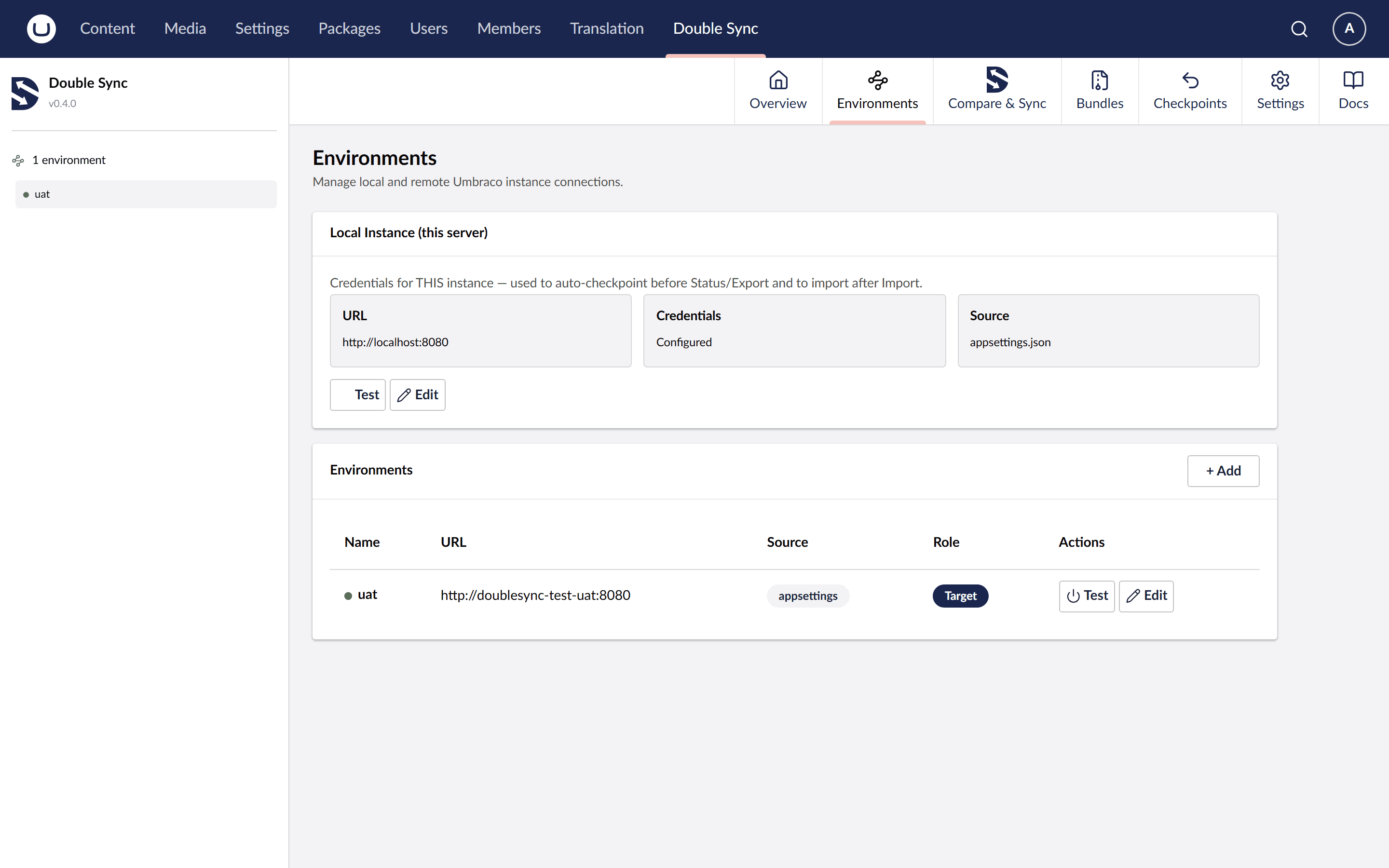
Tell DoubleSync where to sync to. Test the connection. Move on.
Each environment is a URL plus a client id and secret. You can add environments from the UI or pre-configure them in appsettings.json — entries from appsettings show up as read-only with a badge so the team knows where the value lives. There's a connection test button on every row. Credentials are stored encrypted in the Umbraco database and never leave your infrastructure.
- URL + OAuth client_credentials per environment
- Hybrid config: appsettings.json entries override DB entries, UI shows which is which
- Per-row connection test
- Credentials encrypted at rest
- Community tier capped at 2 environments; Pro removes the cap
Compare: Free · Content / selective apply / culture filter: Pro
Compare & Sync
See every difference before you sync. Choose how conflicts resolve. Filter by language.
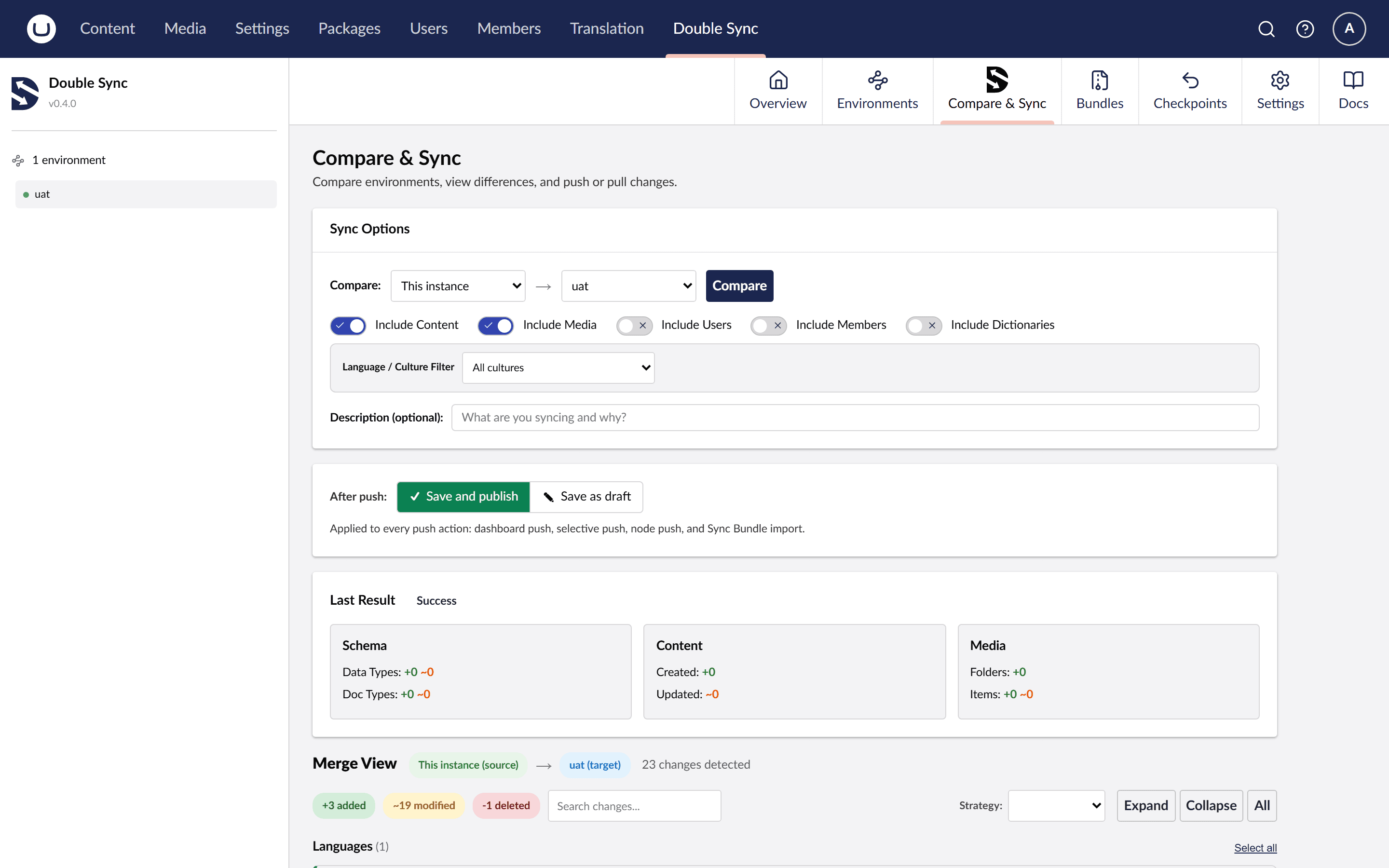
The dashboard flow operates on the whole site. Compare snapshots both sides and shows you the diff without changing anything — schema-only on Community, schema + content + media + members and users on Pro. Push sends from THIS site to a remote. Pull goes the other way. Pick a conflict strategy per run: source wins, target wins, or open the per-property side-by-side review. Tick rows in the diff to apply only those. Filter by culture and only ship the English variant if that's what you want — invariant content is always included so you don't accidentally lose it. There's also a node-level flow for editors. Open any document, hit the DoubleSync button in the workspace, and Compare / Push / Pull just that document. DoubleSync walks the references and pulls in the schema, the parent path, and the media that document needs. Editor use case (workspace) vs deployment use case (dashboard).
- Read-only Compare preview before any change
- Push, Pull, or selective apply per row
- Source-wins / target-wins / manual-merge per run
- Culture filter — sync only one language variant
- Delete detection (opt-in propagation)
- Node-level Compare / Push / Pull from any document workspace
- Automatic dependency resolution for node-level syncs
- Cancel an in-progress sync from the dashboard. The operation stops at the next safe point — it never leaves a half-written item — and the restore point taken before the sync is always available if you need to roll back.
Pro
Bundles
Portable ZIPs of schema, content and media. Move them anywhere.
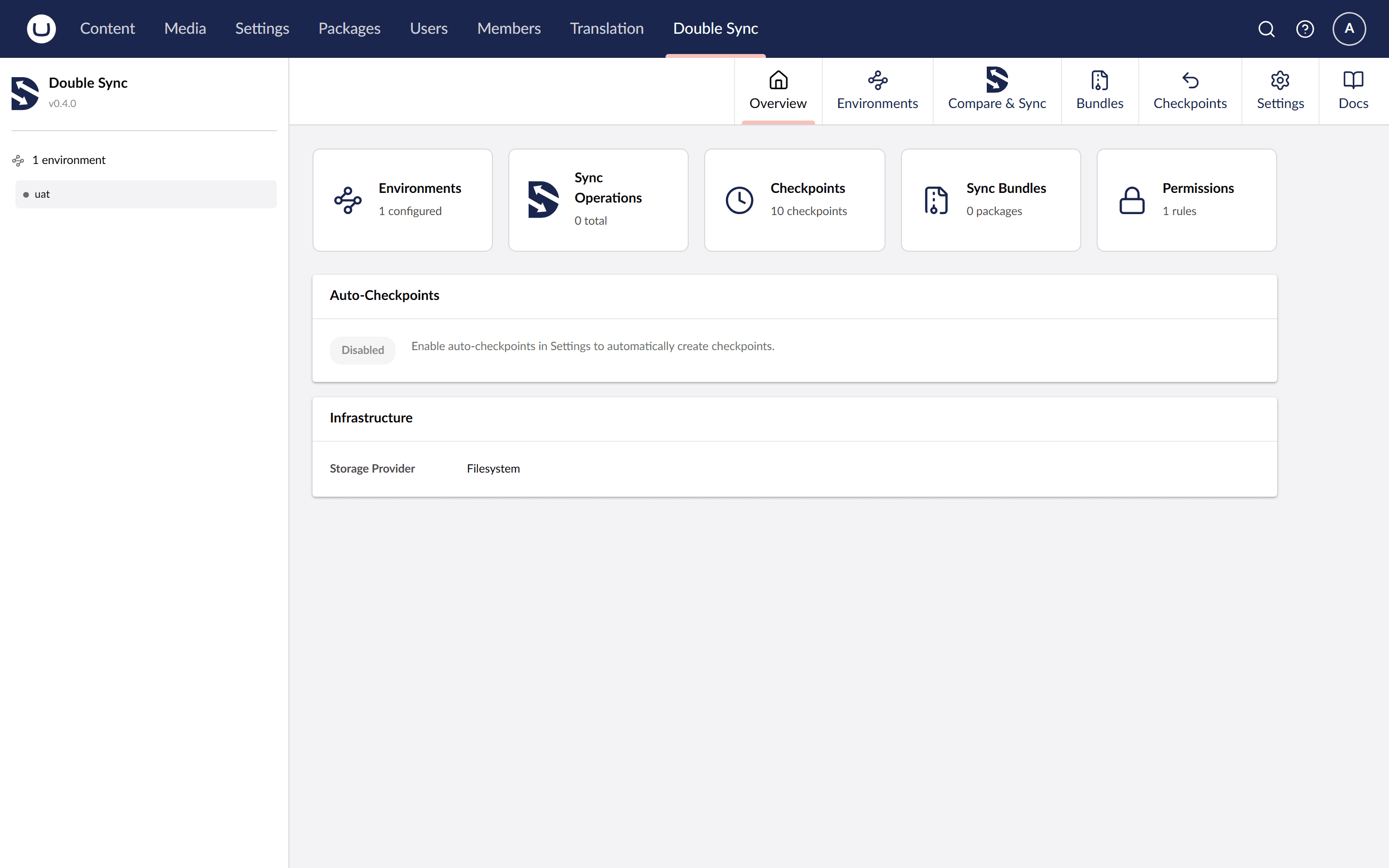
A bundle is a ZIP of a snapshot plus its media blobs. Build one from any Compare result. Hand it to whoever runs the production deploy, attach it to a release ticket, or use one as a project template for new installs. The picker on the receiving side shows what's inside before you apply, and the preview runs a diff against the current state of the target. Air-gapped servers are one use case; offline review and templated bootstrap are the more common ones.
- ZIP format with snapshot + media blobs
- Picker and preview before applying
- Diff against the current state of the target
- Useful for offline transfer, signed-off release artefacts, and project templates
Pro
Permissions
RBAC per user group, per environment, per direction.
Grants are rows of (user group, environment, operation), where operation is Compare, Push or Pull. The per-direction split is the unusual bit and it's what most teams actually need: "QA can Compare and Pull from production, never Push" is a single grant in DoubleSync and there's no clean way to express it in stock Umbraco Deploy. Every sync endpoint checks the grant matrix server-side, not just in the UI — disabled buttons are a hint, not the security boundary. The Effective Permissions view shows the resolved matrix for any user.
- Per-user-group, per-environment, per-direction grants
- Compare / Push / Pull as separate, independently grantable operations
- Server-side enforcement on every sync call
- Effective Permissions view per user
- Administrators get everything by default
Auto + manual: Free · Scheduled: Pro
Checkpoints
Three safety nets. One-click rollback to any timestamp.
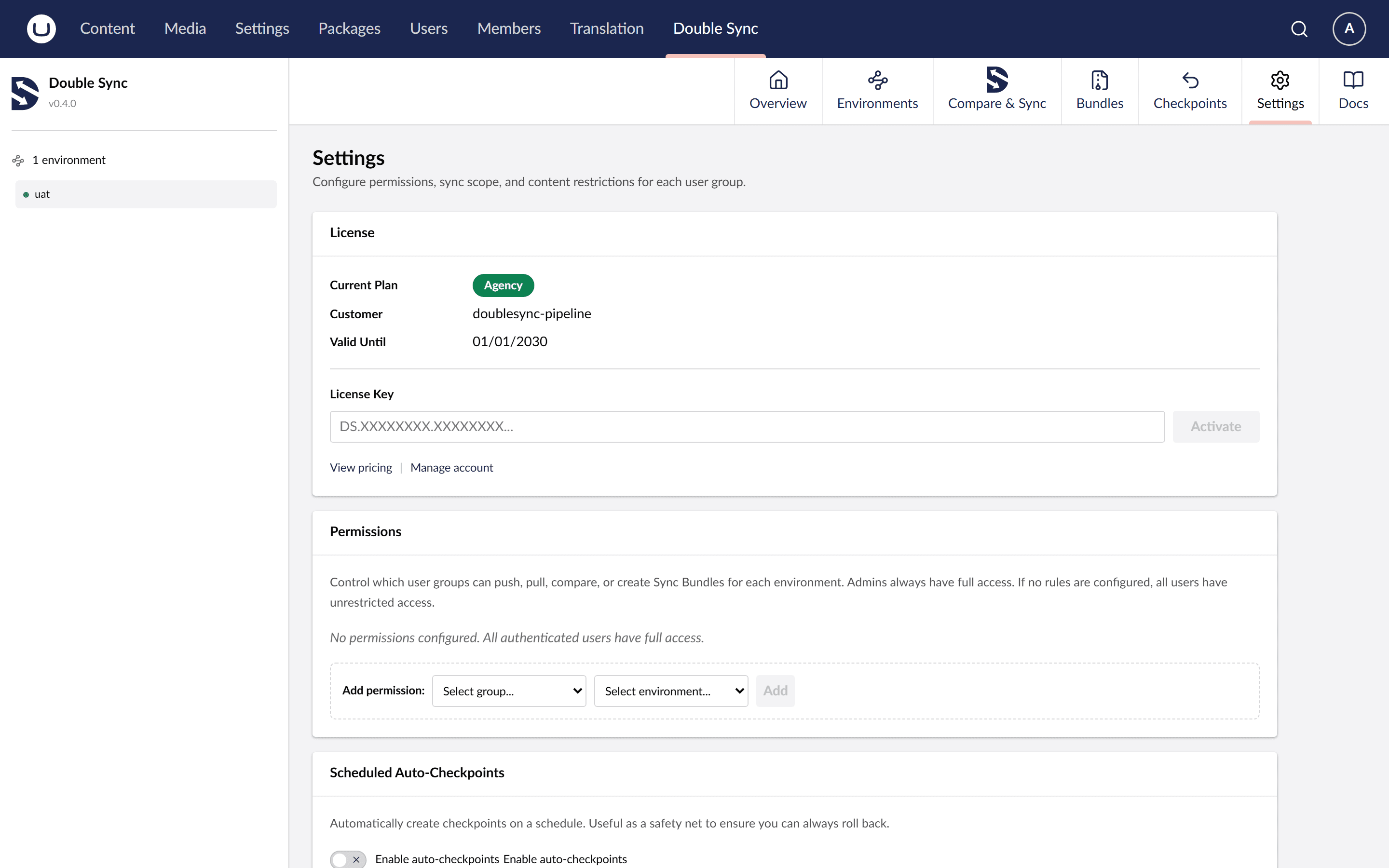
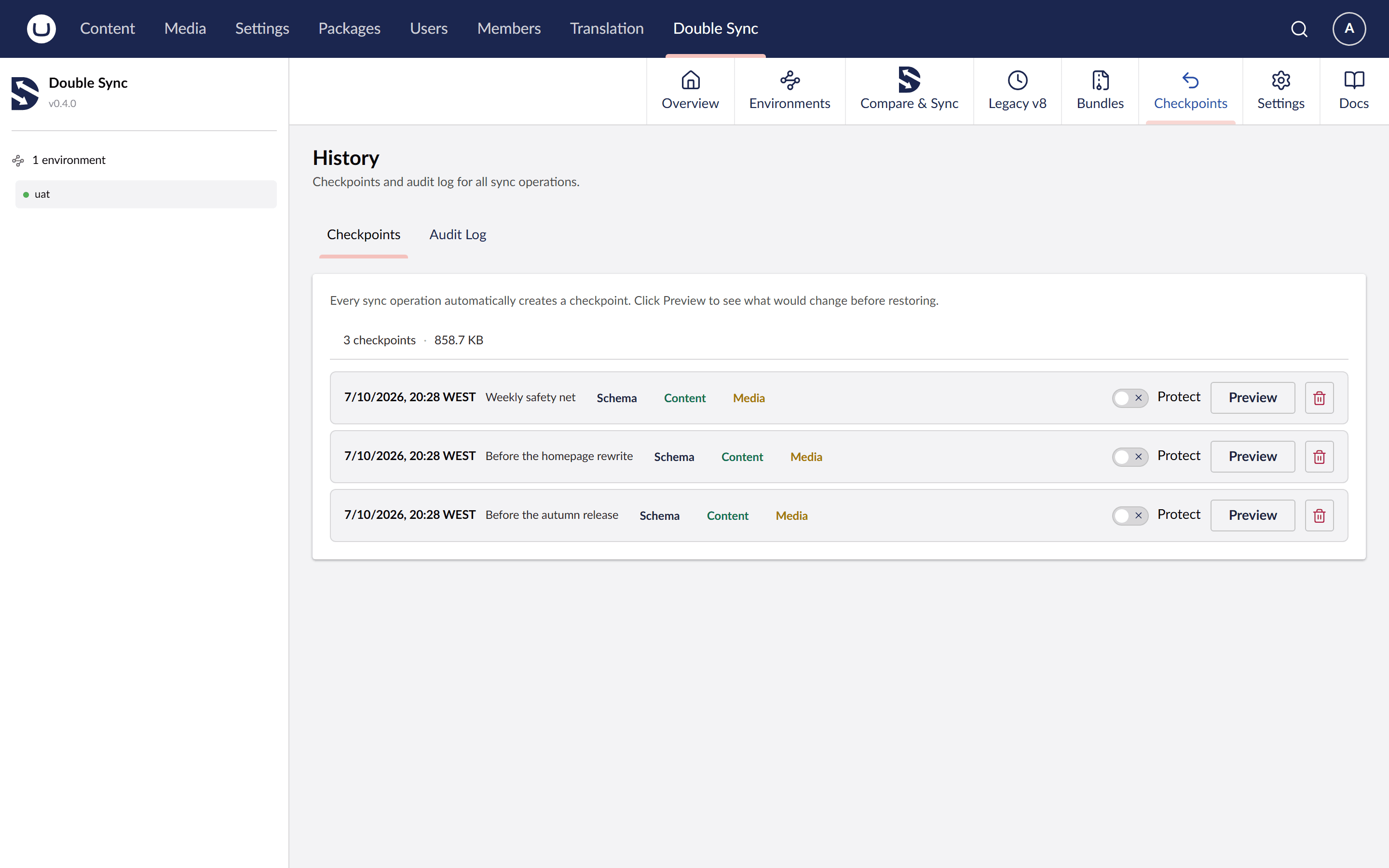
DoubleSync takes a restore point automatically before every sync — Push, Pull, or merge-apply. You can also hit the manual checkpoint button at any time, or set a cron expression in Settings and have scheduled checkpoints run in the background. The retention policy keeps things tidy: a max count and a max age, both configurable. Rolling back is one click on the snapshot you want.
- Auto checkpoint before every sync
- Manual checkpoint button
- Scheduled checkpoints via cron (Pro)
- Retention policy: max count + max age
- One-click rollback to any timestamp
Filesystem: Free · Azure Blob: Pro
Storage providers
Filesystem by default. Azure Blob when you want durable, geo-redundant snapshot history.
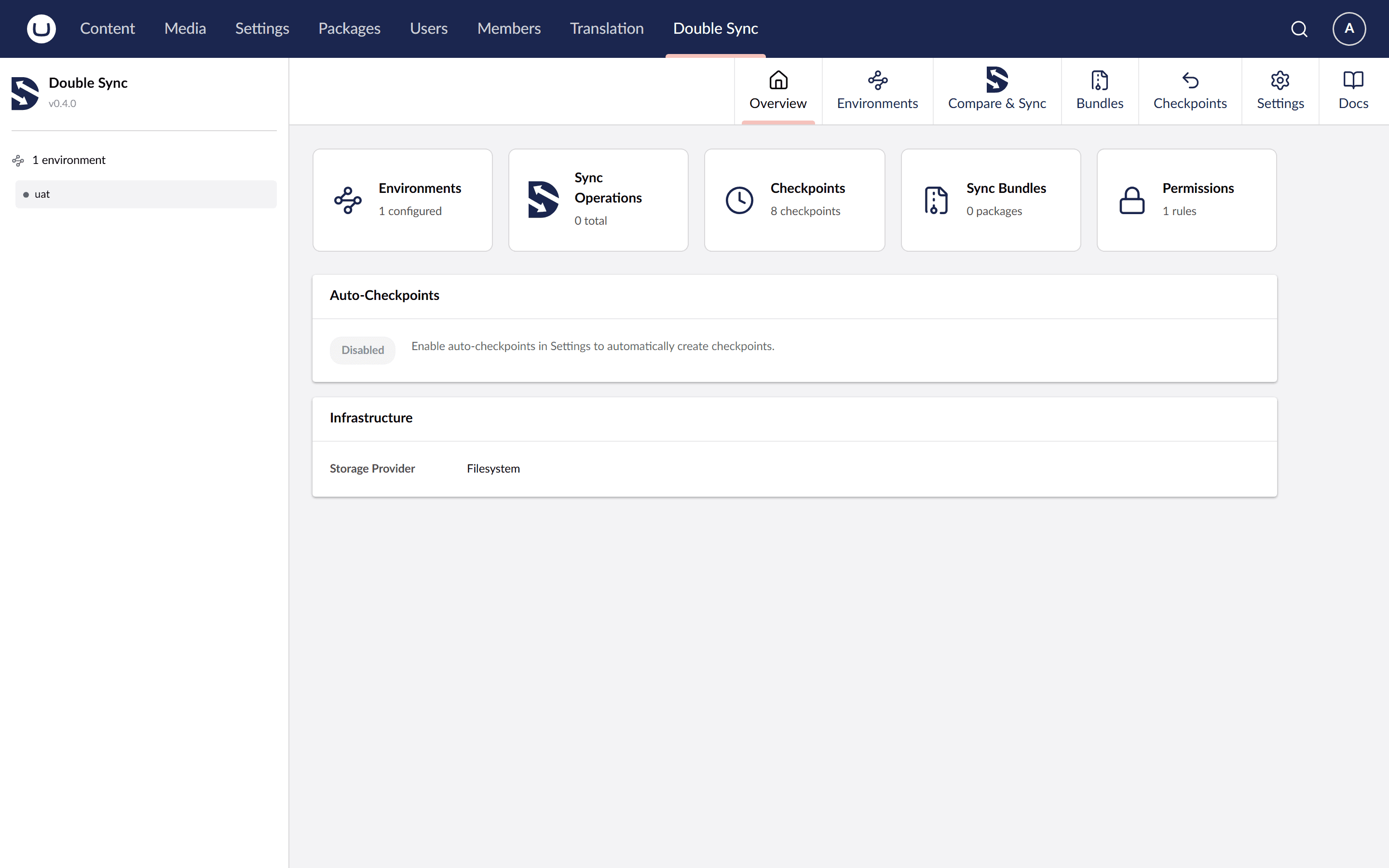
By default snapshots and checkpoints live on disk under App_Data. That's the right default for most installs. The Azure Blob provider is there when you want something else: durable, geo-redundant storage backed by Azure's SLA for compliance or long retention; one container that holds snapshots from dev, UAT and prod so you can archive and audit them in one place; or somewhere reliable to keep history when the app server's local disk isn't durable across rebuilds. Azure Blob lifecycle and immutability policies apply the same way they do to any other Blob container.
- Filesystem provider (default) — App_Data/DoubleSync
- Azure Blob provider — durable, geo-redundant snapshot history with Azure's SLA
- One container can archive snapshots from dev, UAT and prod side by side
- Useful when local disk isn't durable across app-server rebuilds
- Switch providers without touching the rest of the configuration
Ready to stop editing in production?
Give your content team a staging workflow they can trust. Start free with schema sync, or try Pro for 30 days with full content sync and merge resolution.