Sync Bundles
Portable ZIP packages for offline transfer between environments.
What's in a bundle
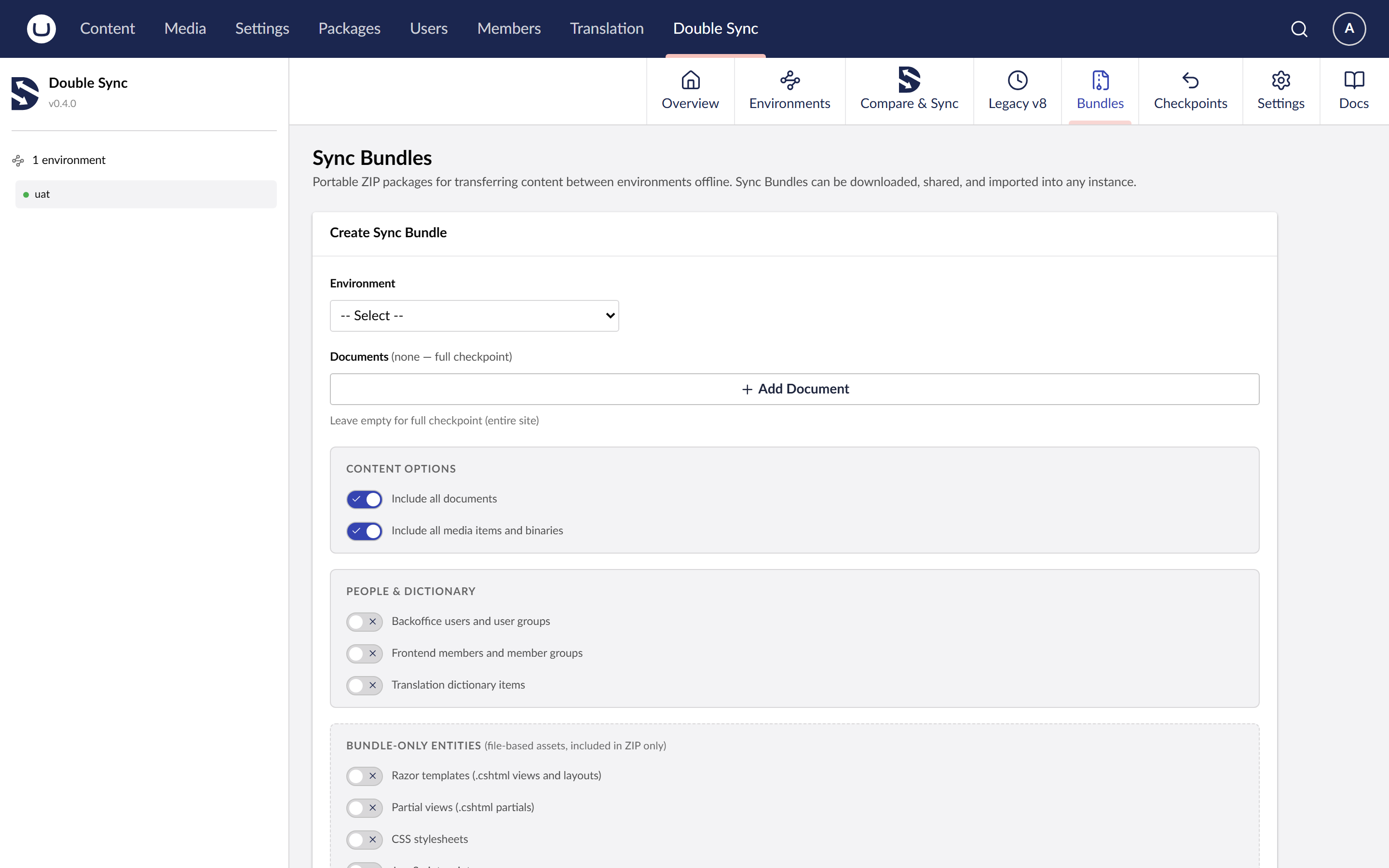
A bundle is a ZIP file containing a snapshot plus its media blobs. You can build one from any Compare result and import it on any other DoubleSync install.
When to use them
The target environment is on an isolated network and can't be reached from your machine.
You want a single signed-off artefact attached to a release ticket.
You are handing work between agencies without sharing backoffice credentials.
You are bootstrapping a new install from a project template.
Workflow
Run Compare on the source.
Build the bundle from the chosen scope (schema / content / media / people, with an optional culture filter).
Download the ZIP.
On the target, pick the bundle from the picker. Preview shows what would change.
Apply.
Tier
Bundle export and import is a Pro feature.