Schema sync
How DoubleSync moves document types and data types between environments.
What ships
Document types: compositions, allowed children, root rules, tabs and groups.
Data types: full editor configuration, including Block List and Block Grid layouts.
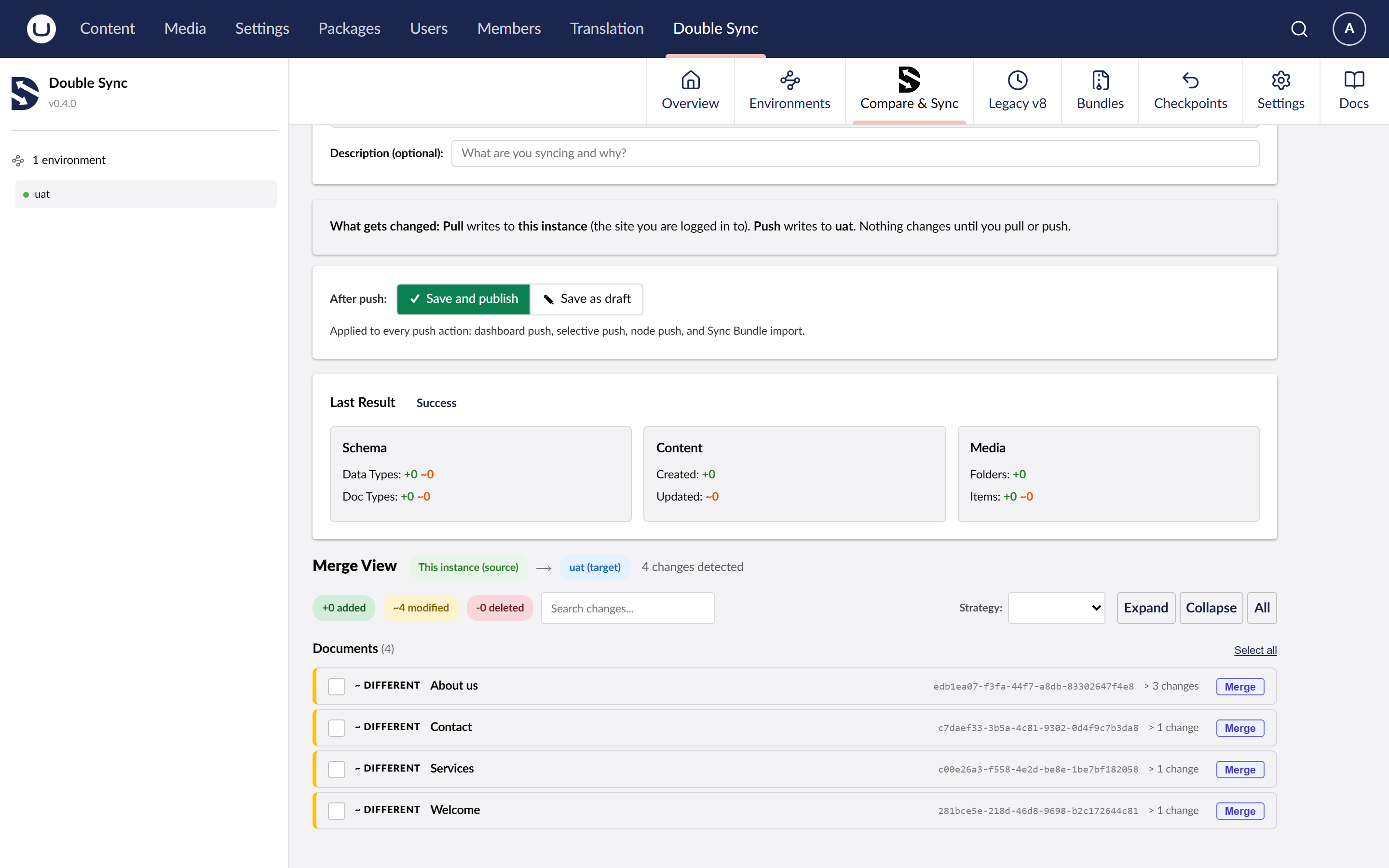
Compare, Push and Pull
Compare: snapshots both sides and shows you a diff. Nothing is changed. Safe to run any time.
Push: snapshots THIS site and sends its schema/content to a remote environment.
Pull: snapshots a remote environment and imports it into THIS site.
Both Push and Pull create a restore point before touching anything.
Dependency resolution
DoubleSync follows references between document types, compositions and data types. Imports are ordered so parents land before children. This is why pushing a single document automatically pulls in its document type, its data types, and its parent path.
Version compatibility
DoubleSync ships its own snapshot format. The importer refuses snapshots from a newer DoubleSync than itself and warns on minor drift. Umbraco itself must be the same major version on both ends.
Tier
Schema-only sync is free on Community. Bundling schema with content, media or users requires Pro or higher.