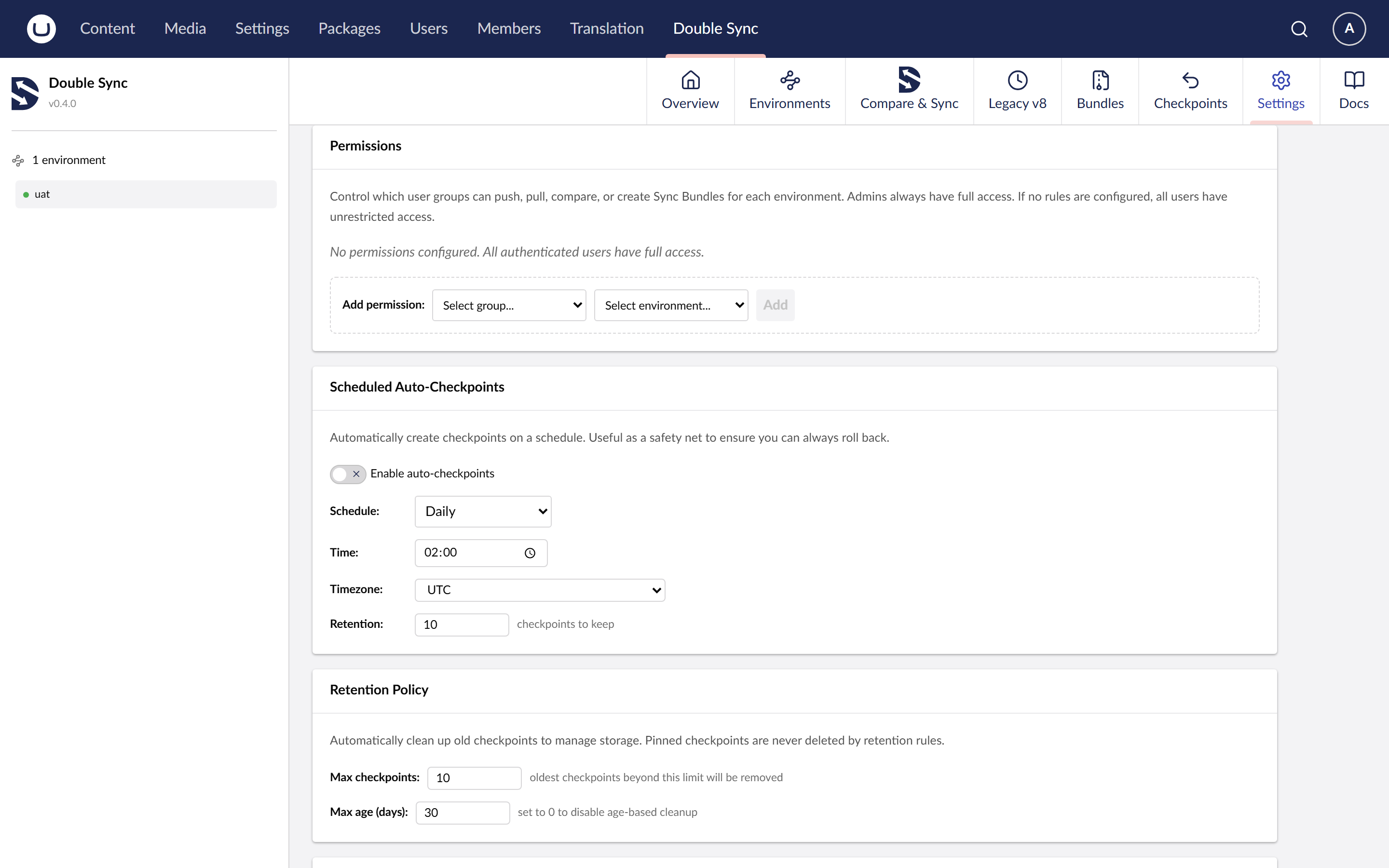
Permissions
Per-user-group, per-environment, per-direction grants. Checked before every sync call.
Model
Each grant is a row of (user group, environment, operation), where operation is one of Compare, Push, Pull. A user is allowed if any of their groups grants the operation on the target environment. The check runs server-side on every sync call.
Per-direction is the unusual bit: you can give your QA group the right to Compare and Pull from production, and never grant Push. There is no equivalent grant level in stock Umbraco Deploy.
Built-in groups
On install, only the DoubleSync user group can see the section. Add other groups from the Permissions view to give them sync rights. Administrators are granted everything by default.
Effective permissions
The Permissions view shows the resolved matrix the UI uses to enable or disable buttons. The actual check happens server-side. A button being disabled is a hint, not a security control.
Tier
Granular per-group RBAC is a Pro feature.