Side-by-side review
Choose, property by property, which side wins when a document differs. Every property is shown in its own editor.
When it opens
After Compare, every document that differs has a Merge button. Press it to open the review for that document. You can also open it from the document itself, with the DoubleSync button in the workspace.
Three columns
The left column is this instance, the value you are sending. The right column is the environment you are sending to, as it is now. The middle column is the result that will be saved there.
For each property, choose **Use this instance** or **Use the other environment**. Choose **Edit custom** to write the result yourself. The list on the left shows every property that differs, and the counter at the top right shows how many are decided.
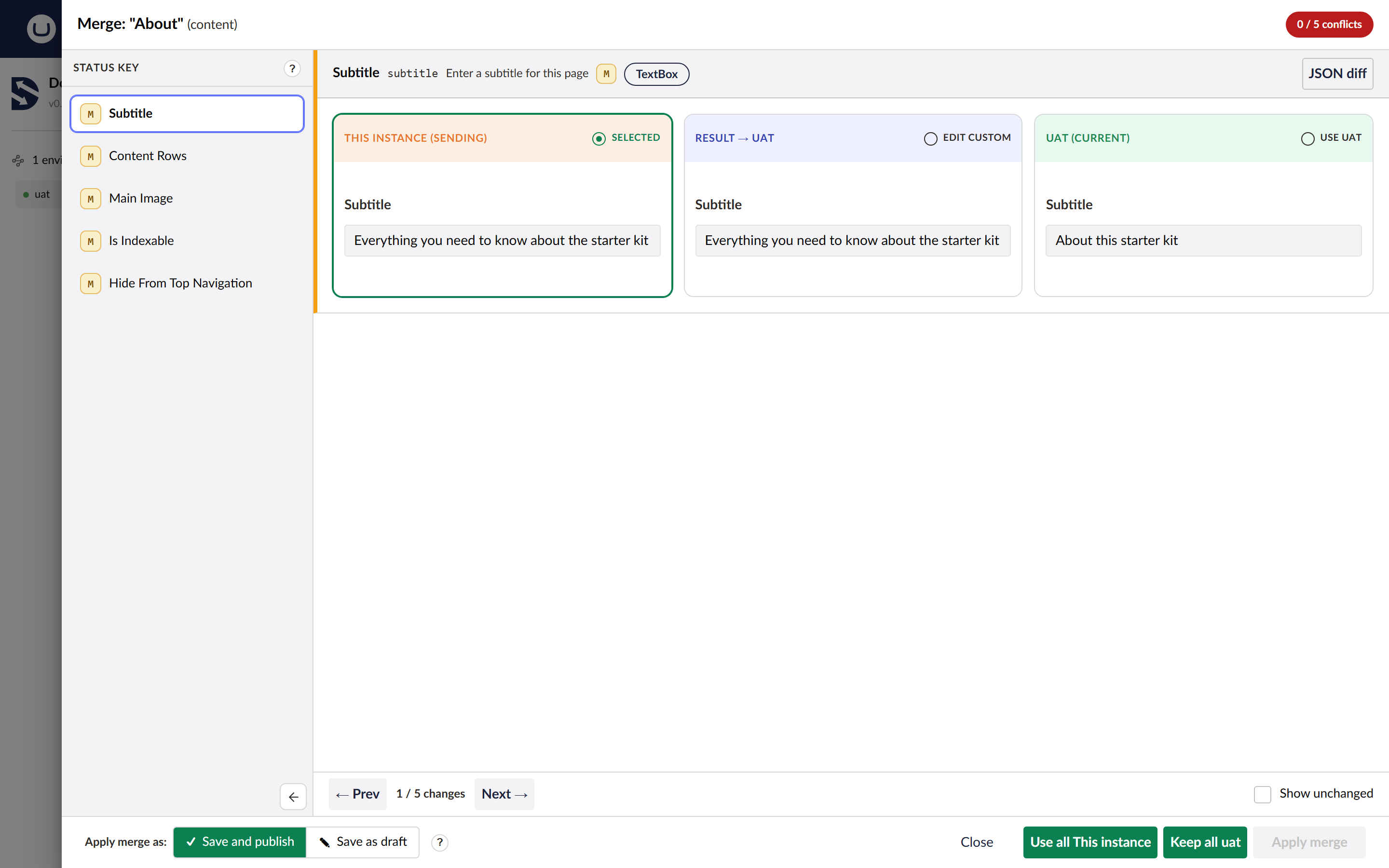
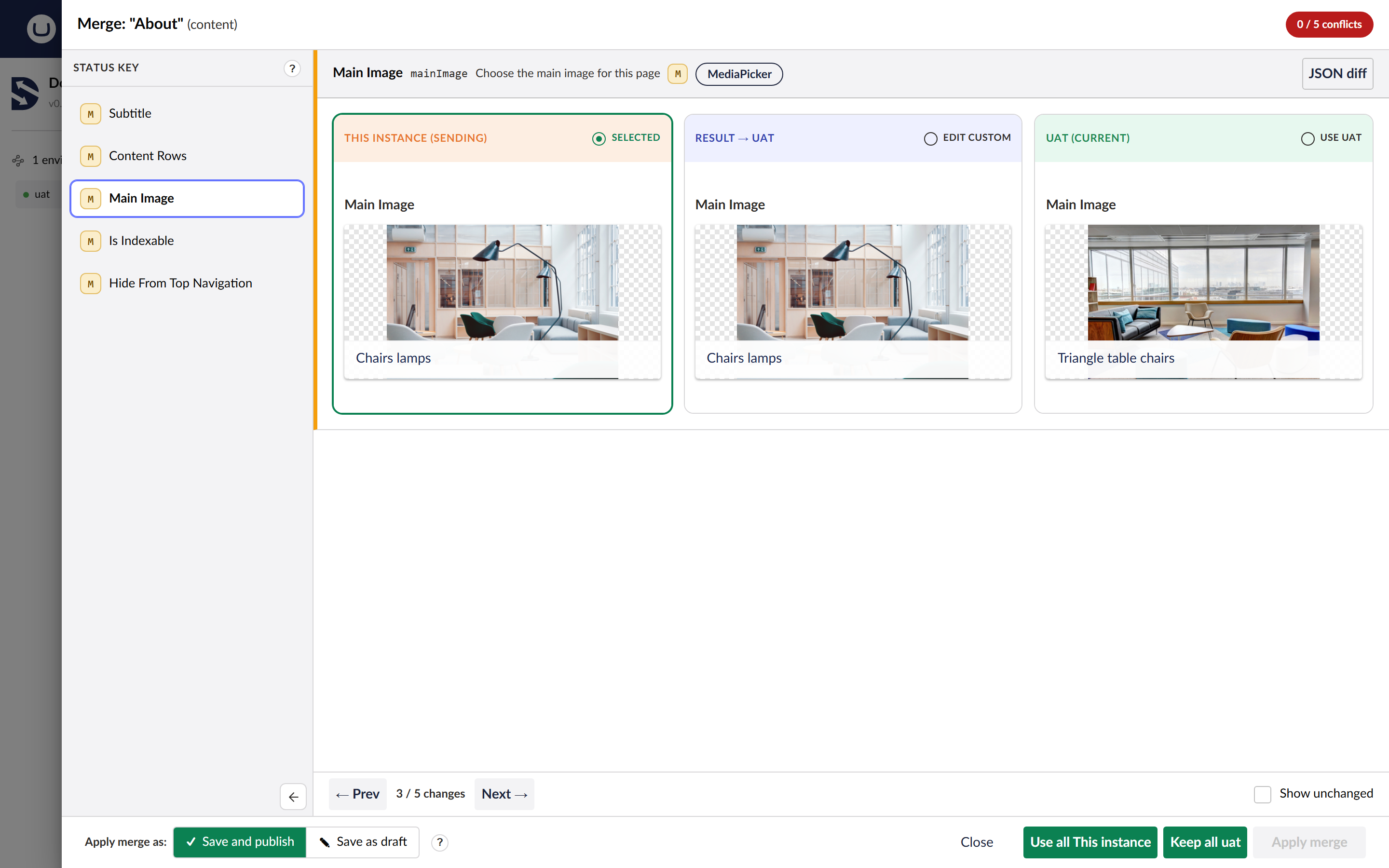
Every property uses its own editor
Media pickers show the pictures, toggles show the switch, and rich text opens in the rich text editor. This works with any property editor, as long as it exists on both sites, and that includes editors you built yourself.
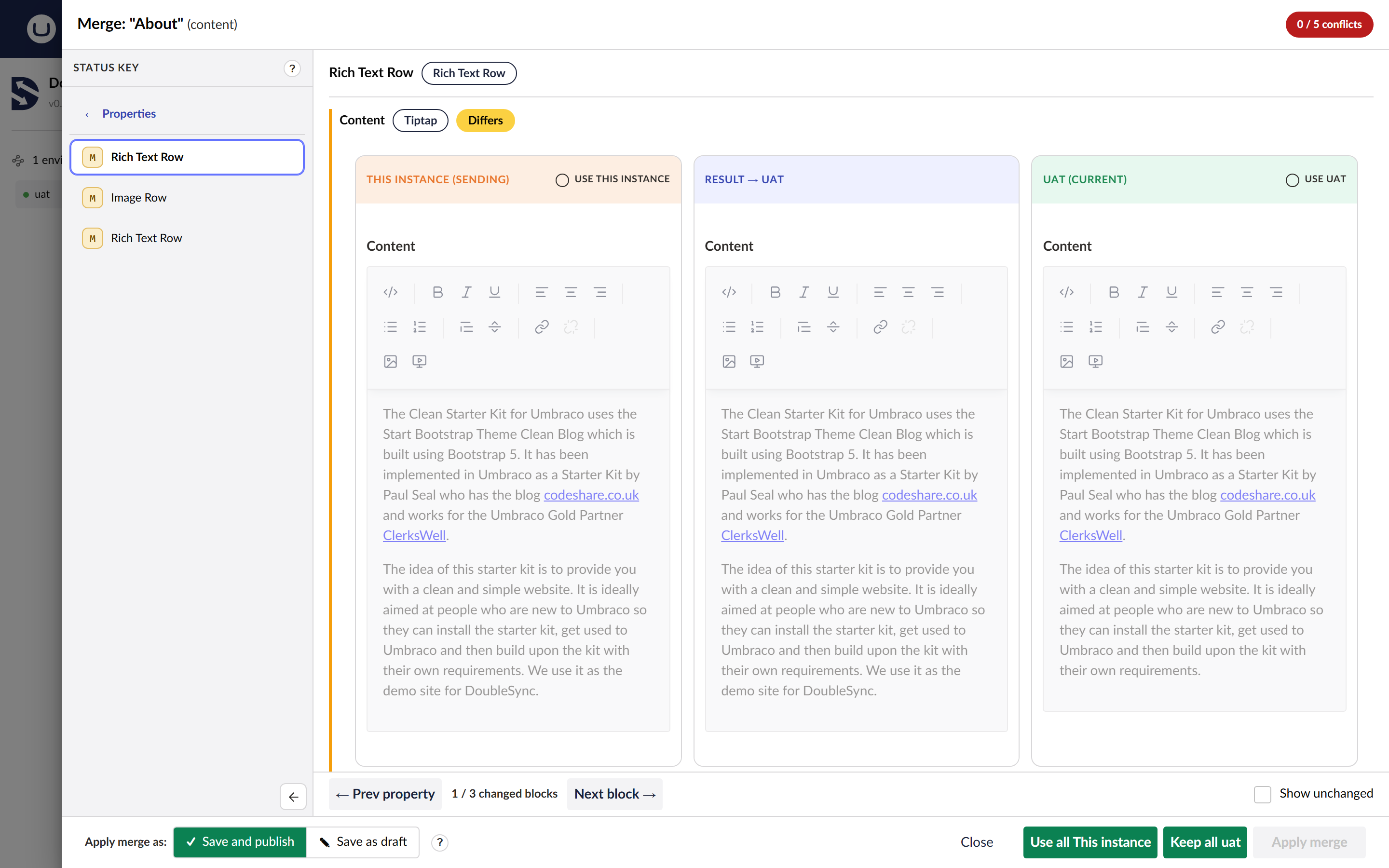
Rich text
Rich text properties open in the same editor your editors use, so you see formatting, links and images the way they will look.
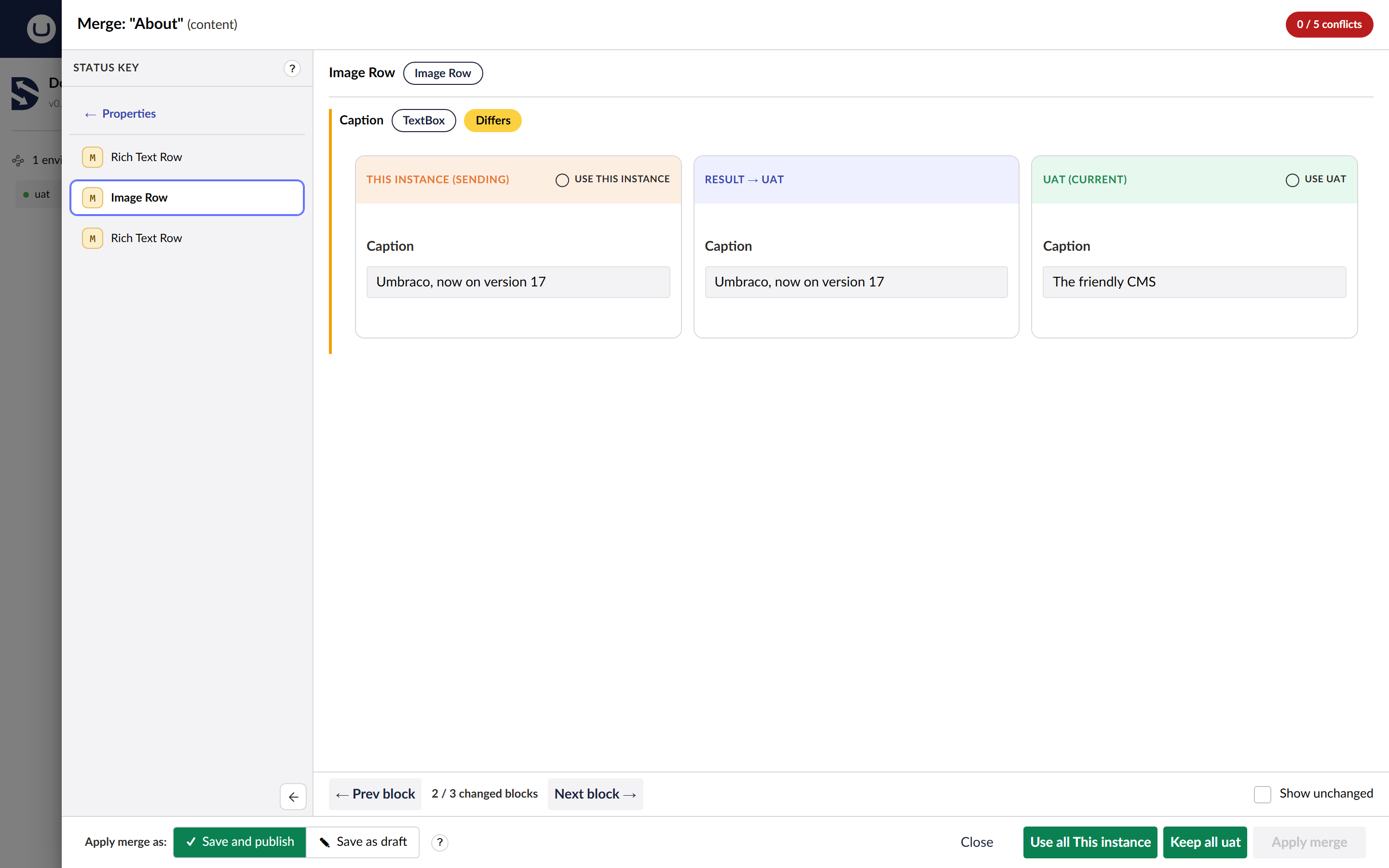
Blocks
Block List and Block Grid properties open block by block. Step through the changed blocks with **Prev block** and **Next block**, and choose a side for each property inside each block. Blocks that did not change stay as they are.
Applying the merge
At the bottom, choose **Save and publish** or **Save as draft**, then press **Apply merge**. **Use all this instance** and **Keep all of the other environment** decide every property at once. The JSON diff button shows the raw values when you need them.
Nothing is saved until you press Apply merge.