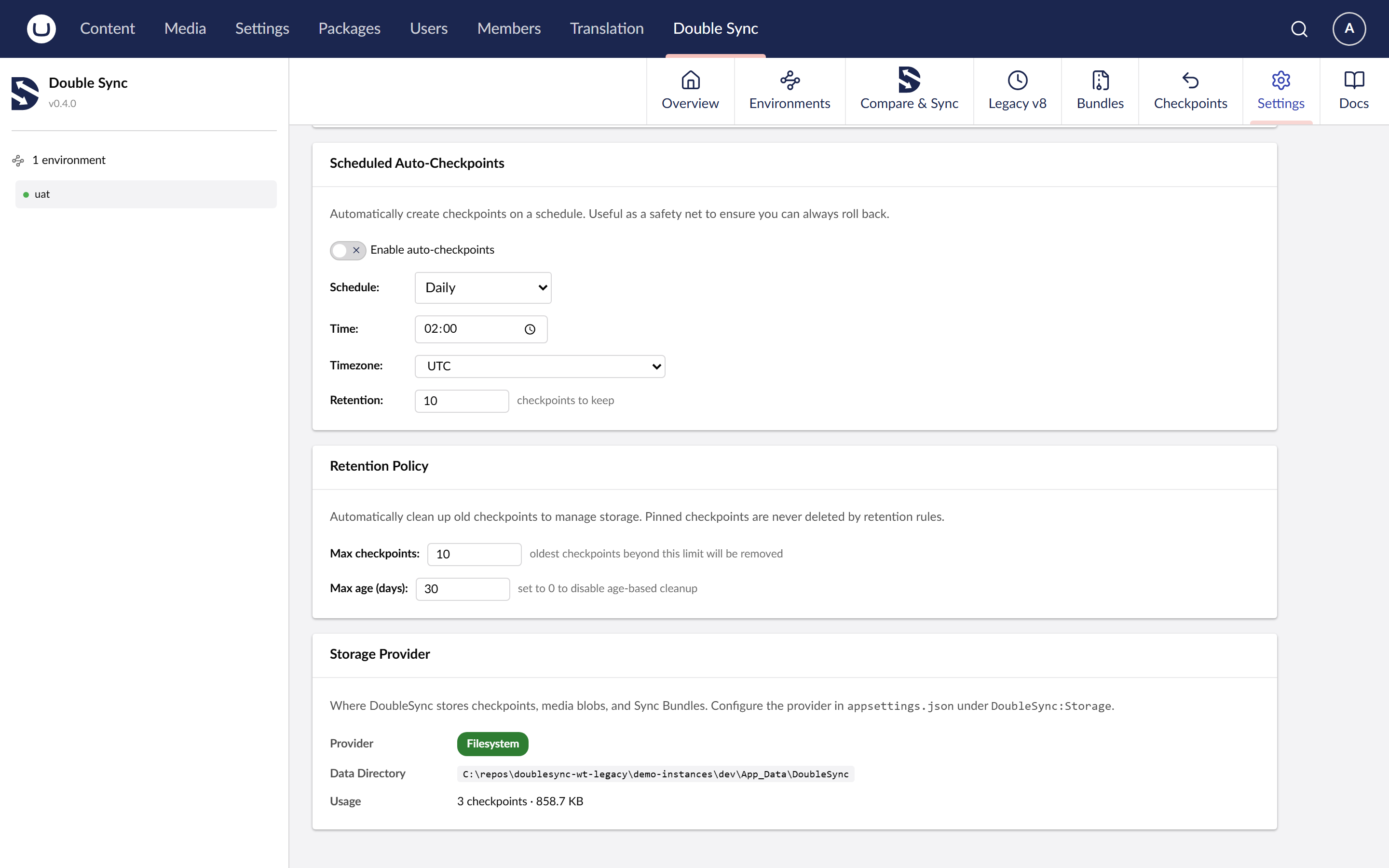
Use Azure Blob Storage as the snapshot backing store instead of the local filesystem.
When to use it
Load-balanced web apps where every node needs the same snapshot history.
Container-based hosting (App Service Linux, AKS) where App_Data isn't durable.
Teams that want snapshots backed up by Azure's geo-redundancy.
Install
Add the storage package alongside DoubleSync.Umbraco:
dotnet add package DoubleSync.Storage.Azure
Configure
Switch the Storage provider to "azure" and provide a connection string and container name. BlobPrefix lets multiple sites share one container without colliding. LocalCacheDir is optional and speeds up repeated reads.
Existing filesystem snapshots are NOT migrated automatically. After switching providers the new container starts empty. Run a Compare to populate it. Tier: Pro.